Odd Bits / Your files
Year in review
Make shareable cards, and a video, from your chats, Netflix, Instagram or git history.
WhatsApp: a chat export, .txt (Export chat, Without media). Telegram: result.json from Telegram Desktop (Export chat history, format JSON). Netflix: your viewing activity .csv, from the Viewing Activity page or your account data download.
What it never does
- Upload your file or send any part of it to a server
- This tool never asks you to sign in or connect an account
- Show real names on a chat card unless you tick the box (Netflix cards show titles, never profile names)
- Quote your messages: chat cards show counts, emoji and common words
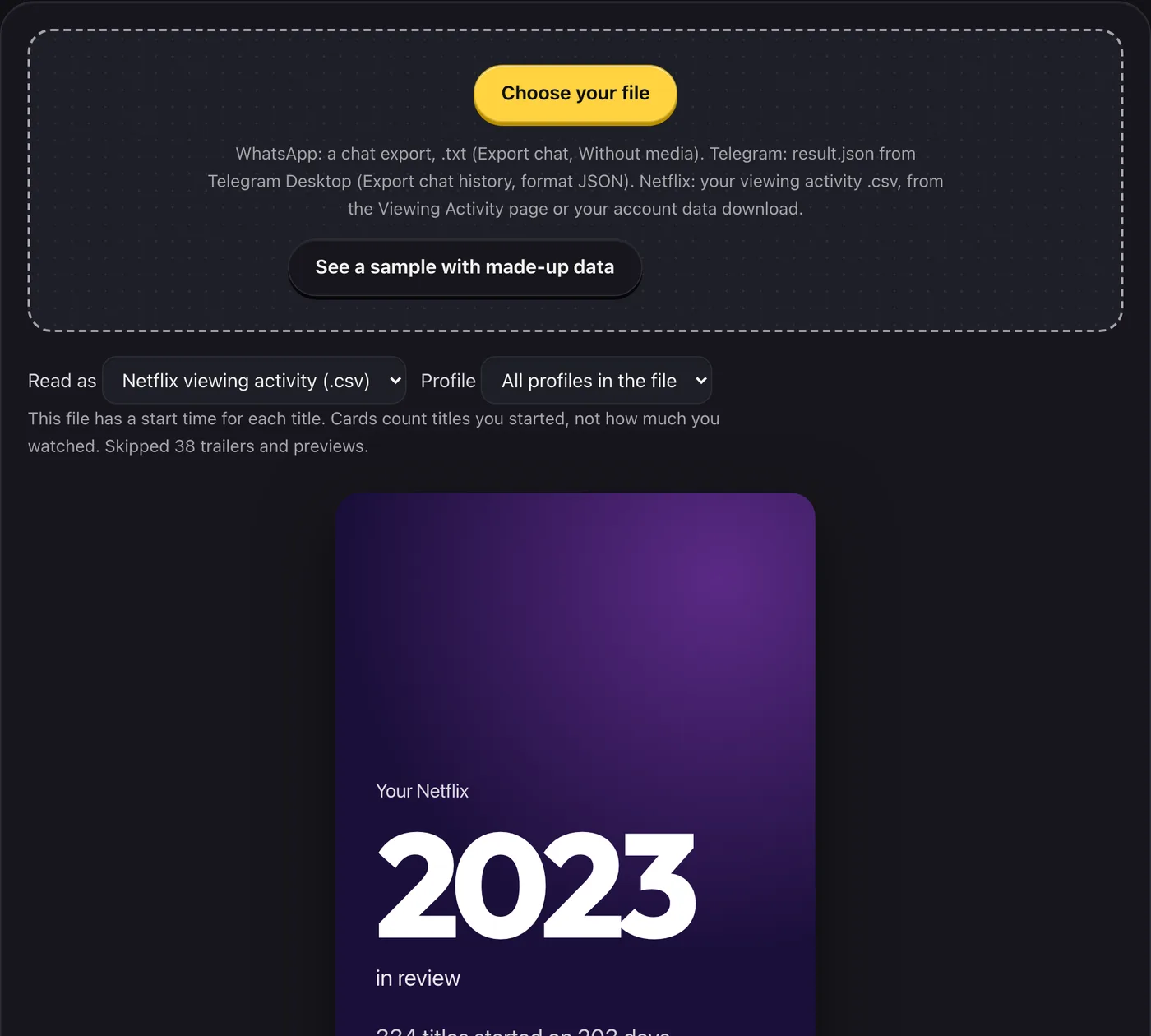
- Say how long you watched: a Netflix file records when a title was started, so the cards say “started”
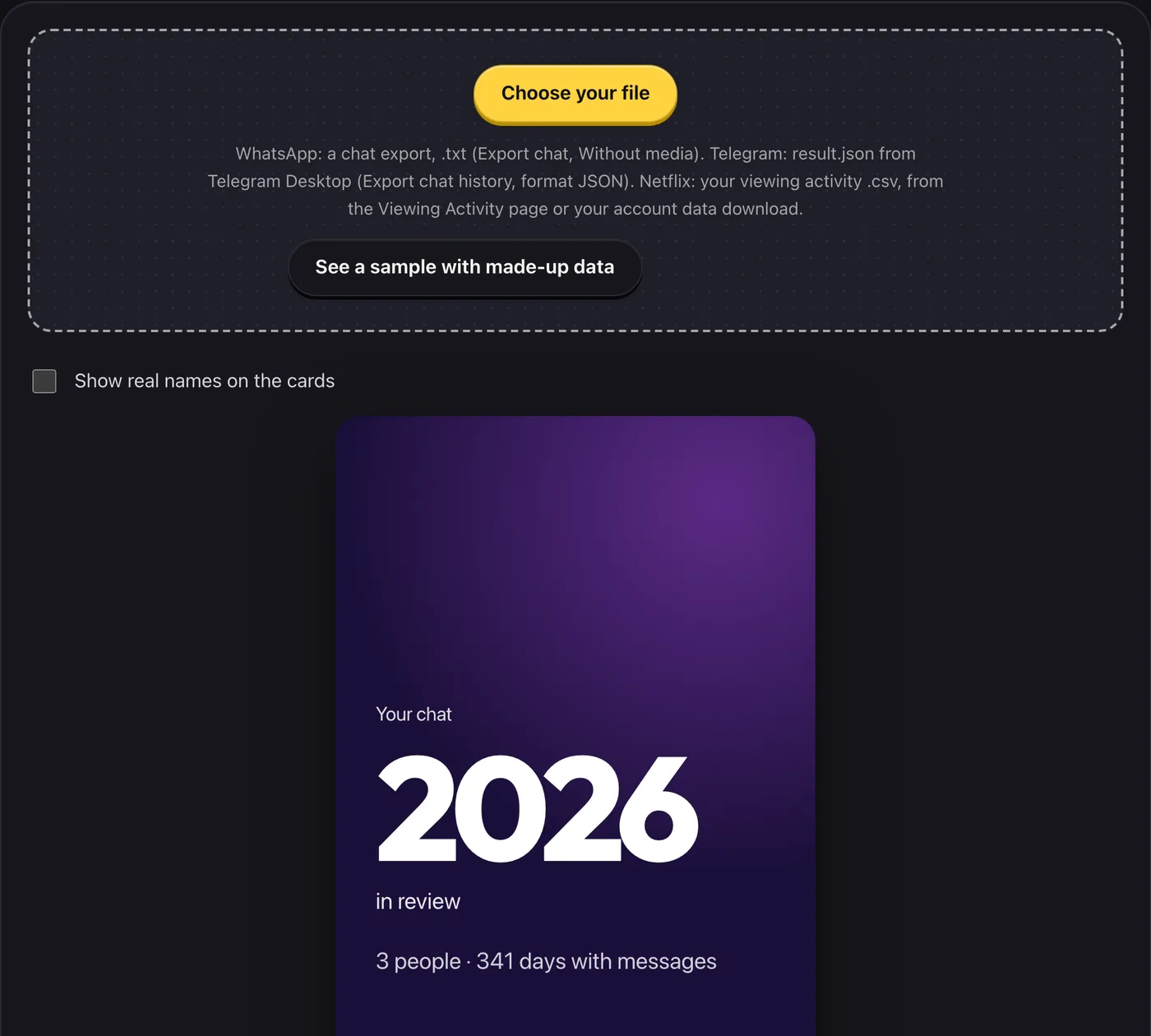
Choose a WhatsApp or Telegram chat export, your Netflix viewing activity, your Instagram data download, or the output of one git command from any repository, and get cards you can save and share: counts, your busiest day, streaks and a one-line verdict.
- What you get
- Shareable 9:16 cards from your own chats, Instagram, viewing history or code
- Streaks, busiest times and more
- Chat names hidden by default; Instagram friend names shown by default, can be hidden or renamed; PNG download
- Works with
- WhatsApp .txtTelegram result.jsonNetflix .csvInstagram data download (.zip or folder, JSON)git log (one command)
- Version
- v1.1, updated 2026-10-19
Questions
How do I export a WhatsApp chat?
In WhatsApp open a chat, tap its name, choose Export chat, then Without media. Choose the .txt file here. A .zip needs unzipping first.
How do I export a Telegram chat?
Telegram’s export is made in Telegram Desktop (the computer app), not the phone app: open a chat, open its menu, choose Export chat history, set the format to JSON and leave media off. Choose result.json here. You can move the file to your phone and use this page there. A full export with many chats lets you pick one.
Which Netflix file do I use?
The viewing activity .csv: either “Download all” on your account’s Viewing Activity page, or ViewingActivity.csv from an account data request. If the download does not work for you, you can ask Netflix for your data from your account’s privacy settings. Only English column names are read for now.
Why “started” and not “watched” for Netflix?
The simple file records the date you began a title, and the full one adds a start time. Neither says how much you watched, so the cards never guess at hours. If the file has durations, one card says how long the titles were open, which is not the same as watched.
Are friend names shown on the Instagram cards?
Yes, by default: the friends card and, when it applies, the story-replies card show the names as they are in your export. Hide or rename anyone before you save or share. The chat tabs hide names unless you tick the box, and the Netflix and code cards show none.
Is it free?
Free. Every card and video carries a small oddbits.tech mark.
Can I get my cards as a video?
Yes. Once your cards are made, press “Download your video” (on a phone, “Make my video” and then “Share video”). It is made in your browser tab, one slide after another with a short fade between them, as a silent 1080×1920 MP4 of up to a minute, ready for a story. It has no music: add your own song in Instagram. The last slide says “Make yours at oddbits.tech” (oddbits.tech/ig on the Instagram videos). Browsers without a video encoder make a WebM file instead, and say so. Hide or rename names before you make it: the video uses the names as they are when you press the button.
How do I get my Instagram data?
In the Instagram app go to Settings, Accounts Center, Your information and permissions, then something like “Export your information” (Instagram renames these sometimes). Choose Create export, pick your account and Export to device. If it asks, choose JSON, Low quality and the last year (or “All time”, if it is offered and you want the recap of the year that just ended), and if you can choose what to include, pick likes, comments, messages, story interactions and your posts. Instagram emails you a link: it usually arrives within a day, sometimes longer, and expires after a few days, so download it soon. Then choose the .zip file or files here (on a phone, pick the .zip without opening it; there are step-by-step notes for iPhone, Android and a computer on the Instagram tab).
What does it read from the Instagram export?
Only a few small data files: the times of your likes, stories watched, comments, posts, reels and stories; the times and senders of your messages, who reacted to them (to count your reactions), and how long the ones you sent were; your profile name and username, to tell your messages from theirs and to tell a reply to someone’s story from a story you shared (the story links in messages are compared with your username and whether the message has any words; neither the links nor the words are kept or shown); and your blocked list, to keep blocked accounts off the friends card. None of this leaves your device and none of it appears on a card. It never opens the photos and videos, and it does not show what was written in a message, comment or caption. One card lists who you messaged most: your top friend with messages sent and received, numbers 2 and 3 with one shared total, and numbers 4 and 5 by name only. You can rename or hide anyone before saving.
How do I make cards from my code?
Open the “Code (git log)” tab, run the one command it shows in your repository, and paste what it prints. It works for any git repository: private, work, GitLab, Bitbucket or self-hosted. The command asks for times, authors and lines changed per file, never commit messages. You pick which author names are you, so a shared repository only counts your commits. For several repositories, run it in each and add each output.
What do the code cards show?
Commits per month, your busiest weekday and hour, the share of commits made between midnight and 5am, your longest streak with a year heatmap, lines changed by file type (types we do not name are grouped as Other; lock files and minified files are left out of every number) and your biggest week. Times are as written in the log, in the time zone of whoever made the commit.
My dates look wrong.
Some exports write 03/04 without saying which is the month. If that is the case a day/month switch appears; flip it. Netflix times in the full export are converted to your device’s time zone.
Does it work for group chats and big chats?
Yes. The file is read in the background so the page stays responsive, up to 250 MB. Names are shown as Person 1, Person 2 and so on unless you choose to show them.
Not affiliated with, endorsed by or sponsored by WhatsApp, Instagram, Meta, Telegram, Netflix or GitHub. They are named only to say which export this reads. No logos or artwork are used.